50 contracts. Zero missed deadlines.
You manage more deals than anyone on the team — and your tools should reflect that. Rehomebase gives you workflow templates that auto-assign to your role, contingency deadlines that sync to your tasks, and a dashboard that shows you exactly what needs attention across every contract you're managing.
Sound familiar?
You're the only one who knows what's missing
The inspection report hasn't arrived. The title company needs a signature. The lender is waiting on a document. You know all of this because you're tracking it in your head, a spreadsheet, or 47 email threads. If you took a day off, deals would stall.
When a date changes, everything breaks
The closing moved by two weeks. Now you need to manually update the appraisal deadline, the final walkthrough, the document submission, the utility transfer — across one contract. Multiply that by 30 active deals.
Every agent has a different "process"
One agent sends you everything upfront. Another sends nothing until you ask three times. There's no standard checklist, no shared workflow, no way to enforce that step 4 happens before step 5. Your process lives in your head, not in the system.
How Rehomebase helps
Your tasks are already assigned
Workflow templates default tasks to the coordinator role. When a template is applied to a contract, your tasks appear on your dashboard automatically. No one needs to manually assign you — the system knows you're the one managing the process.
Learn about Tasks & Workflows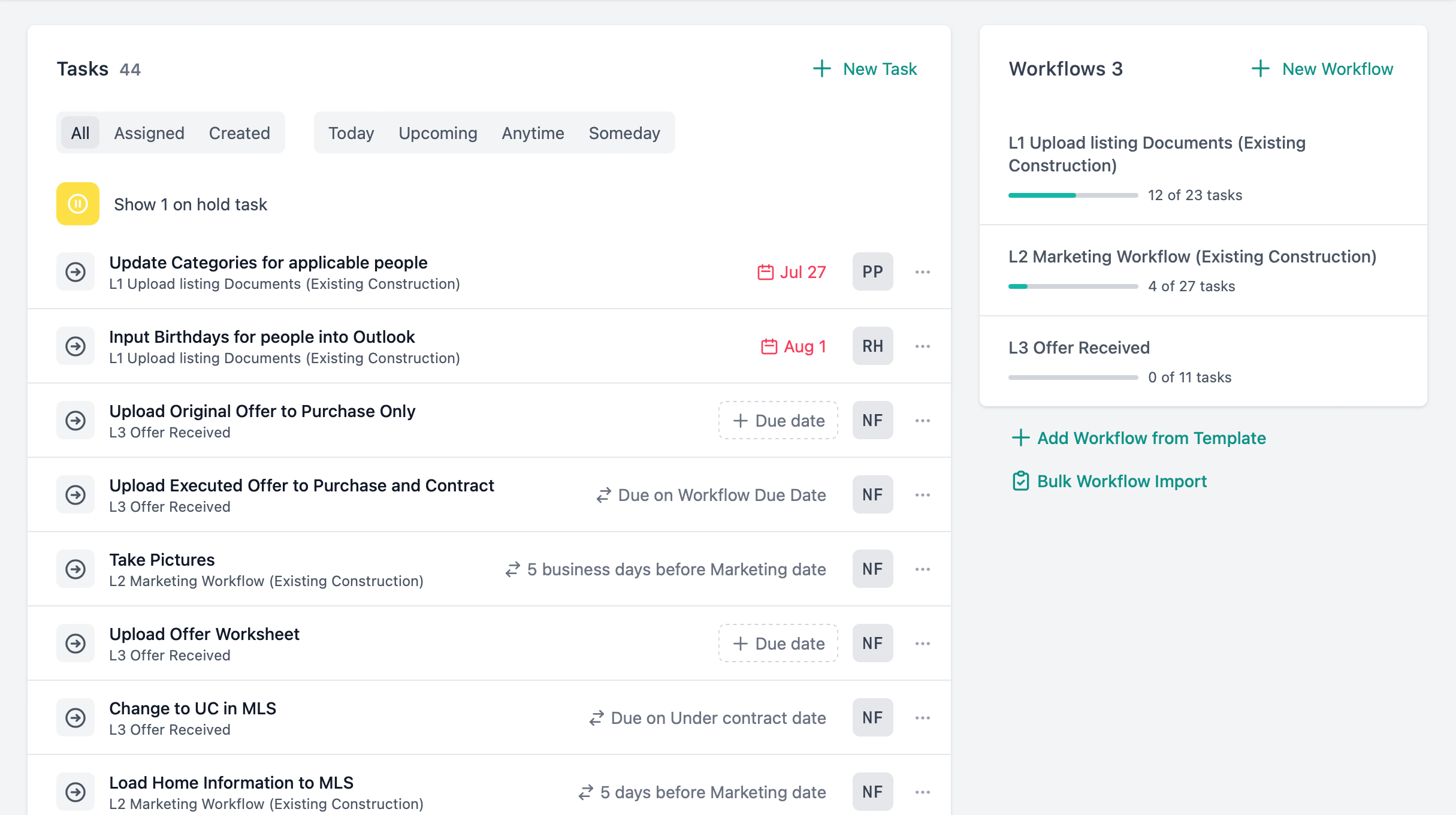
Dates that adjust themselves
Task due dates sync to closing, ratification, contingency expiration, or any custom date. Set offsets in calendar or business days: "5 business days before closing." When the closing date moves, every linked task recalculates. You update one date. The rest follow.
Learn about Tasks & Workflows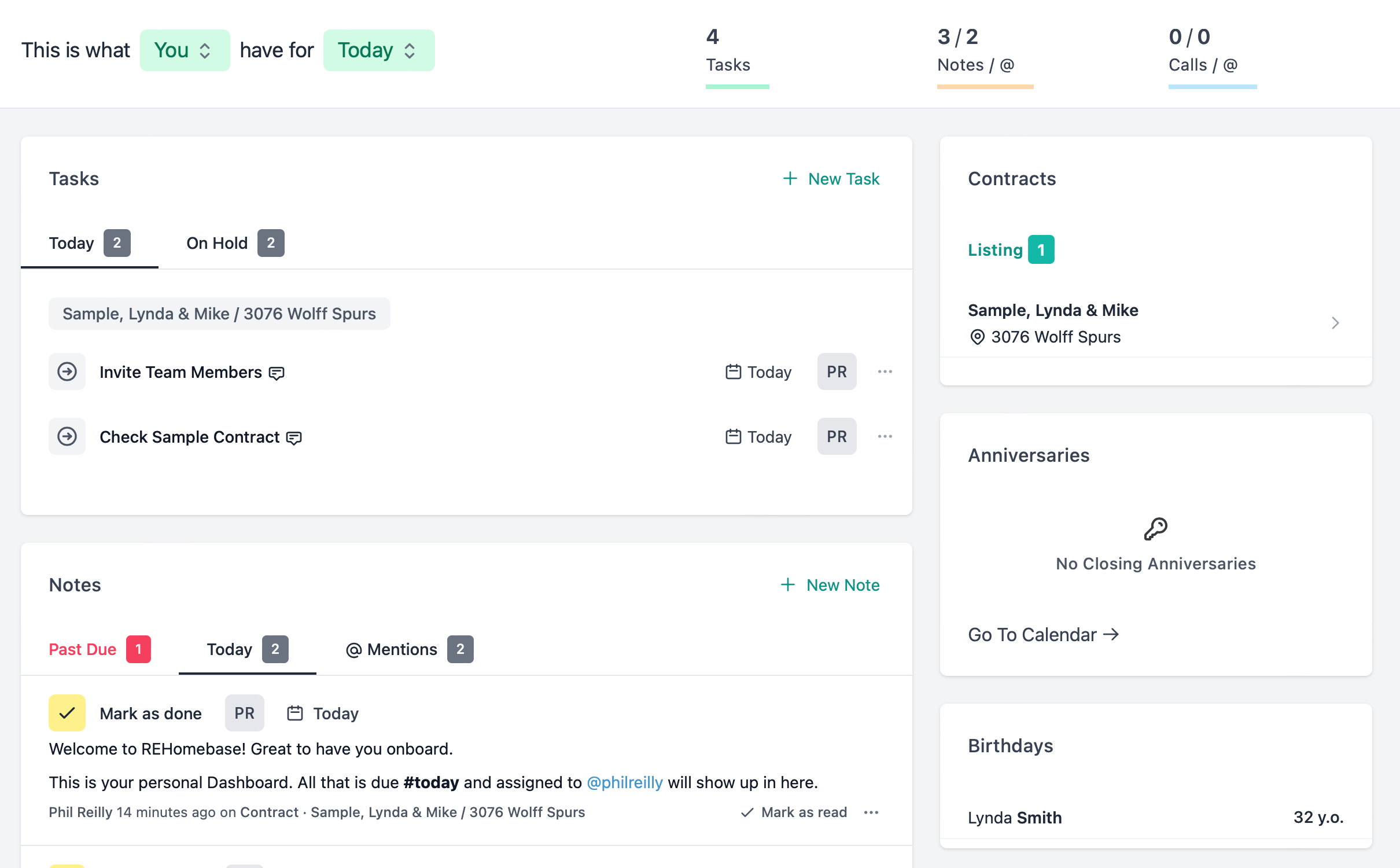
Contingencies you can't miss
Nine built-in contingency types with expiration dates and follow-up reminders. Your dashboard shows which contingencies are expiring this week across all your contracts. You check progress before the deadline, not after.
Learn about Contracts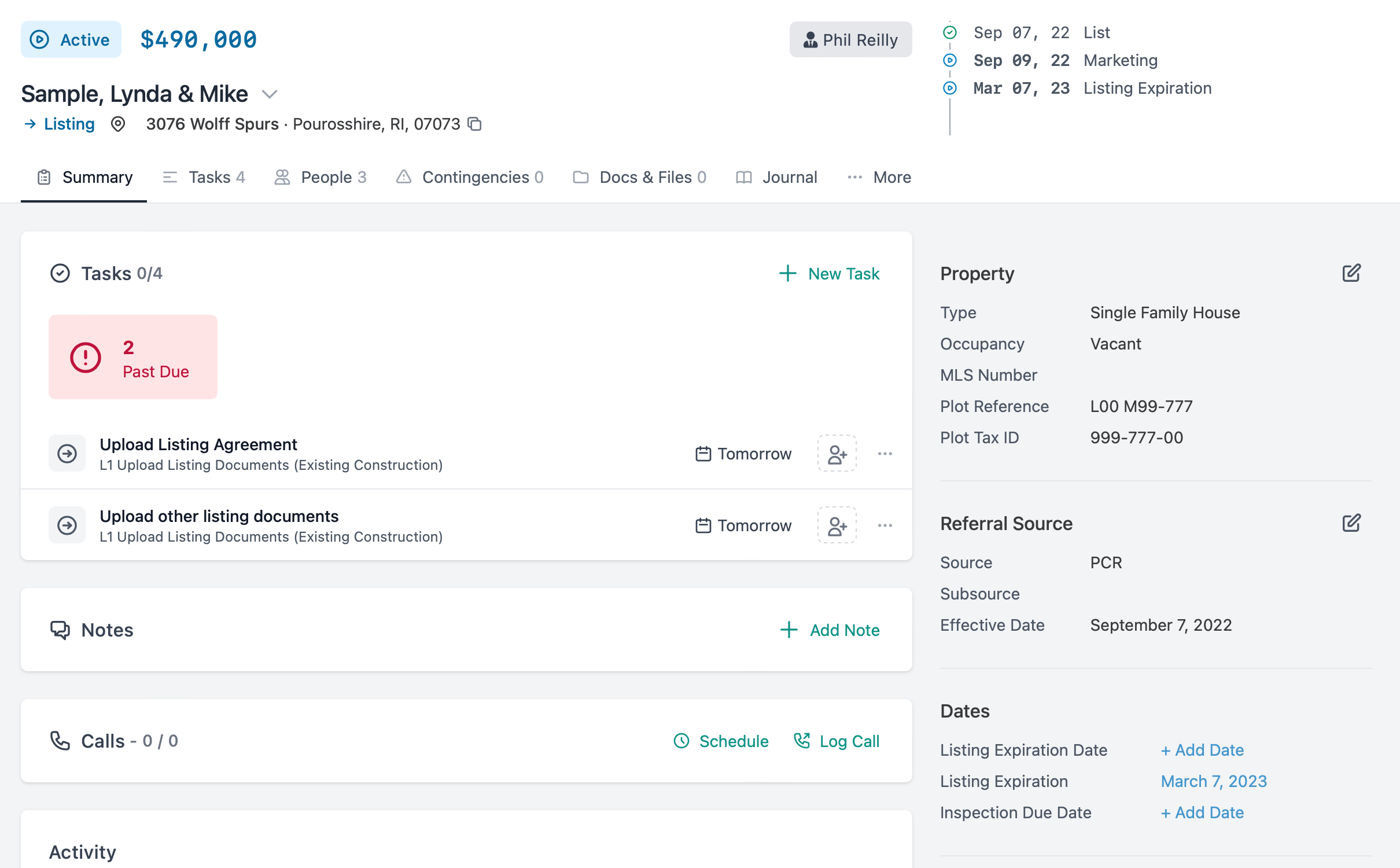
Documents tracked per contract
Every contract has a document checklist. Upload with type categorization, see what's received vs. missing. When an agent asks "what do you still need?" — you have the answer in one click, not after reviewing an email chain.
Learn about Contracts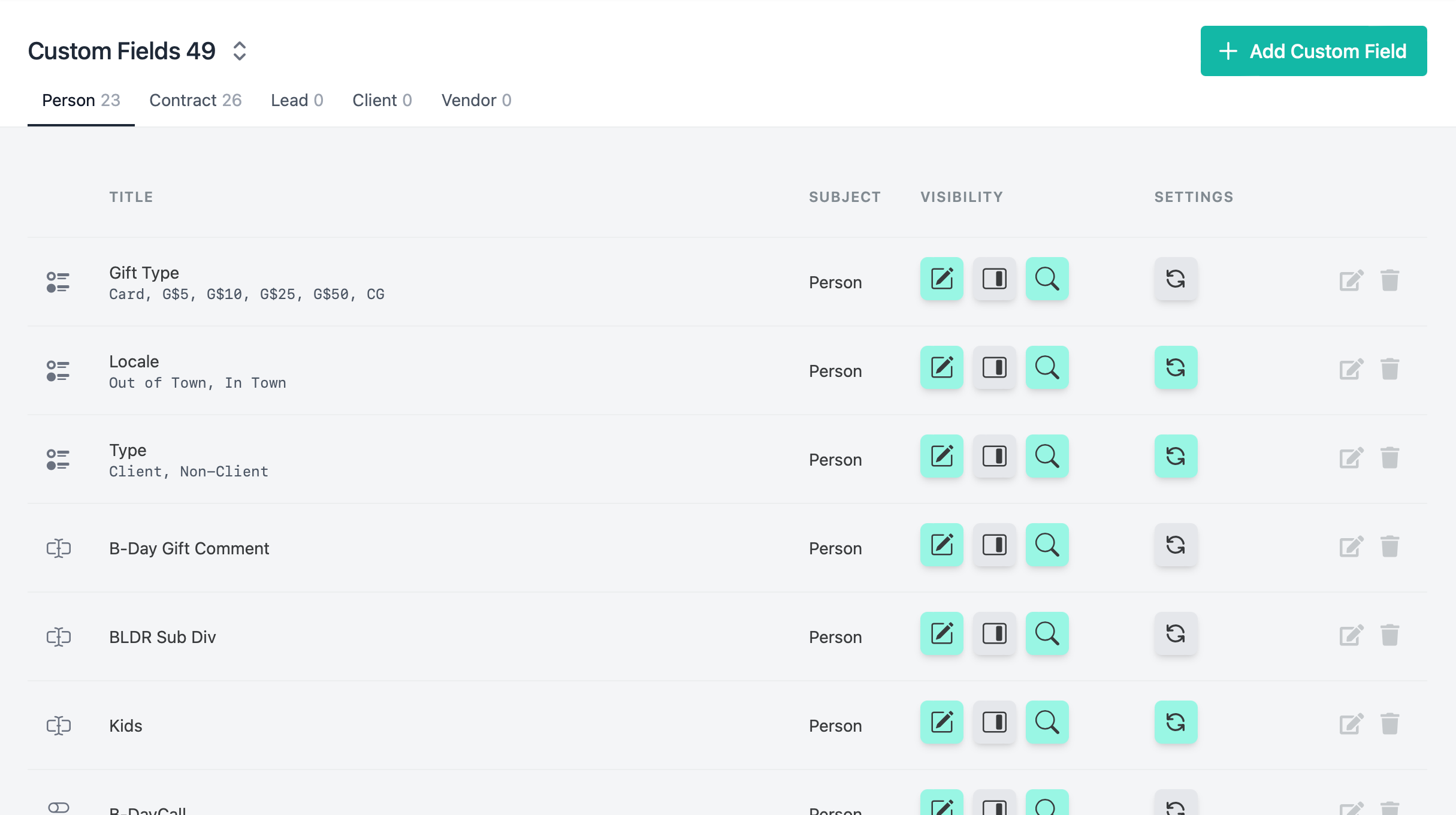
The features that matter most to coordinators
A day in the life
How a transaction coordinator uses Rehomebase throughout a typical day.
8:00 AM
Open your dashboard
Check what's overdue, what's due today, and which contingencies expire this week. Prioritize.
9:00 AM
Work through your task list
Complete document reviews, send follow-up notes, update contract stages. Check off tasks as you go.
11:00 AM
Handle the date change
An agent calls: closing moved by 10 days. Update the closing date on the contract. Watch 15 tasks recalculate their due dates automatically.
2:00 PM
Chase missing documents
Open the contract's document section. Three documents outstanding. @mention the agent in a note: "Still need the inspection report and the HOA cert."
4:00 PM
Review the week ahead
Switch your dashboard to "Next Week." See what's closing, what contingencies expire, and which tasks you'll need to prioritize Monday.
You keep every deal on track. Your tools should do the same.
Start a 14-day free trial or book a walkthrough with our team.